


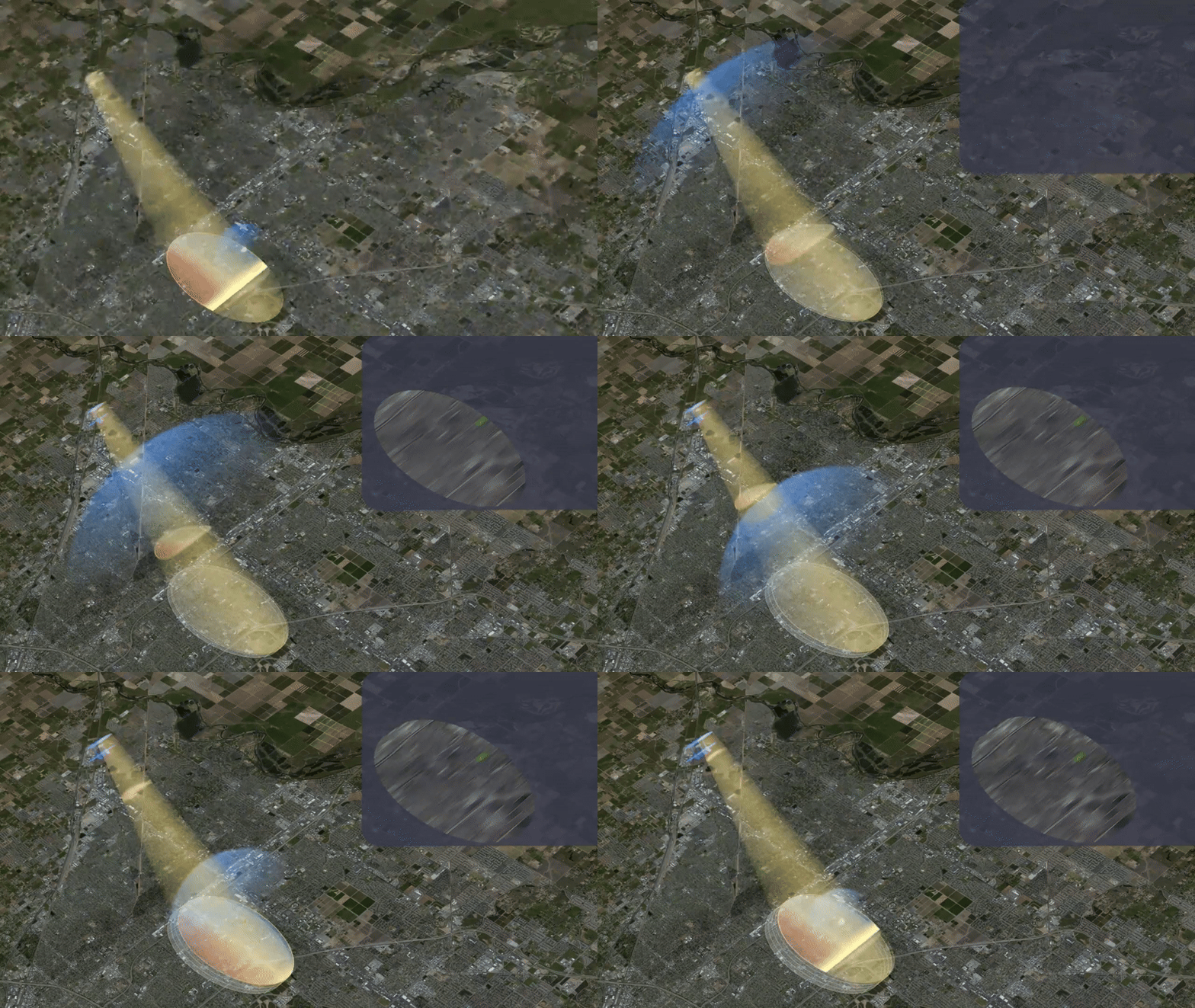
NISAR Imaging Animation: https://
NISAR (NASA-ISRO Synthetic Aperture Radar) is a satellite mission designed to observe Earth’s dynamic processes using microwave remote sensing. It’s L-band and S-band measurements provide consistent global observations, regardless of cloud cover or daylight.
After learning to access and visualize NISAR L-band data in this cookbook, you will be ready to begin applying NISAR imagery to a wide range of Earth science applications, including ecosystem monitoring, hydrology, cryosphere studies, natural hazards, and surface change analysis.
Motivation
The NISAR mission will provide one of the most comprehensive global radar datasets ever collected, offering new opportunities to study the dynamic Earth. This cookbook is designed to help a wide range of users, including students, researchers, and communities, to begin working with NISAR’s multiple products.
By introducing clear, hands-on examples, we hope to make the mission’s powerful data resources simple, approachable and usable. Our goal is to help you build the skills needed to explore NISAR data with confidence and apply NISAR’s capabilities to your own scientific, environmental, or community-focused questions.
Authors
Lewandowski, Alex. White, Julia.

Contribute!
This project is open source and open development. See the contributor’s guide to learn how to join the project and make your first contribution.
Structure
Section 1: Cookbook Set Up
Gain access to the data and set up required software environments for the included workflows.
Section 2: GCOV
Learn how to search, access, and work with GCOV data.
Section 2a: GCOV Data Access
Learn how to search and download GCOV data.
Section 2b: GCOV Data Loading, Manipulation, and Visualization
Learn how to load, work with, and create visualizations with GCOV data.
Section 2c: GCOV Backscatter Tutorials
Notebooks focusing on NISAR GCOV backscatter.
Section 3: Additional NISAR Resources
Links to additional NISAR and NISAR GCOV resources.
Section 4: Contibute to the NISAR Cookbook
We welcome contributions! Learn how to raise issues, make updates, and add content to this cookbook.
Running the Notebooks
You can run the notebooks on a JupyterHub such as OpenSARLab or on your local machine.
(Option 1) Run in OpenSARLab or on Another JupyterHub Supporting User-Installable Pixi Environments
Sign up for an OpenScienceLab account and request access to OpenSARLab.
Navigate to
~/Data_Recipe_Jupyter_Books/NISAR_Cookbookto explore and execute the notebooks.
(Option 2) Run on Your Own Machine
If you are interested in running this material locally on your computer, you will need to follow this workflow:
Install
Pixiusing one of the following options if not already installed:macOS / Linux:
curl -fsSL https://pixi.sh/install.sh | bashWindows (PowerShell):
iwr -useb https://pixi.sh/install.ps1 | iexDownload the pixi installer
Restart your terminal after installing
Pixiso it is on your PATH.Clone the
https://github.com/ASFOpenSARlab/NISAR_Cookbookrepository:git clone https://github.com/ASFOpenSARlab/NISAR_Cookbook.gitMove into the
NISAR_Cookbookdirectorycd NISAR_CookbookInstall the
Pixienvironment needed to execute the notebooks and launch JupyterLab with a single command:pixi run -e isce3 lab